Well Manager® Control Panel | Understanding System Controls & Timed Water Collection
Want to better understand your Well Manager® System controls? In this video, we explain the Well Manager control panel, including indicator lights, switches, timers, and how the system manages timed water collection. Learn how both the one-well and two-well control panels work, what common panel indicators mean, and how the system helps collect and manage water for low-yield wells.
Understanding your control panel can help you feel more confident using your system and better understand day-to-day operation. This video explains the Well Manager control panel, including status lights, timers, system controls, and the Hand-Off-Auto (HOA) switch used to manage operation. You’ll learn how both single-well and two-well control panels function, what common indicator lights mean, and how the system helps support timed water collection for low-yield wells.
What This Video Covers
- How the Well Manager® control panel works
- Understanding indicator lights and system status
- What the Hand-Off-Auto (HOA) switch does
- Differences between one-well and two-well control panels
- How timed water collection is managed through the system
Understanding the Well Manager® Control Panel
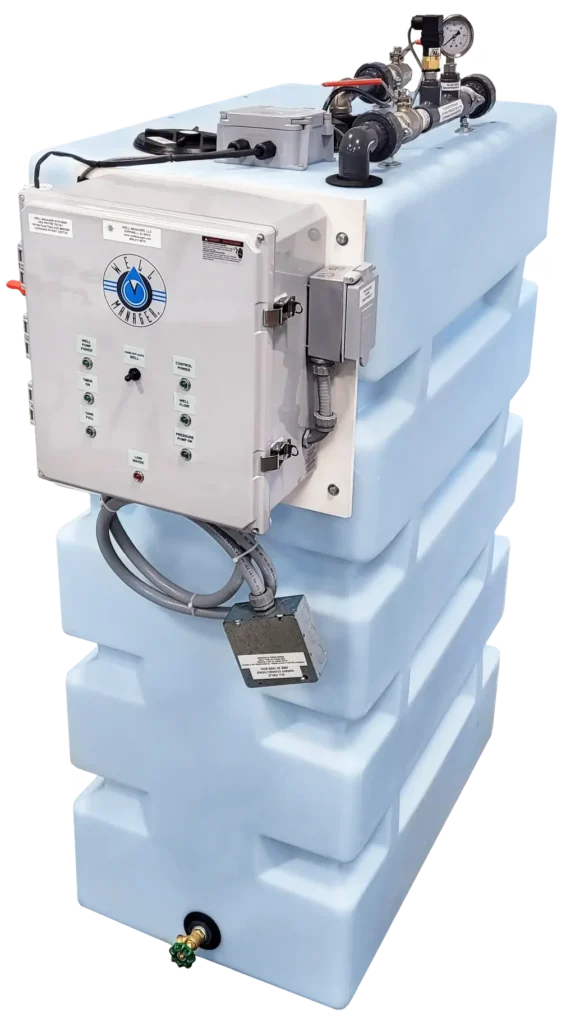
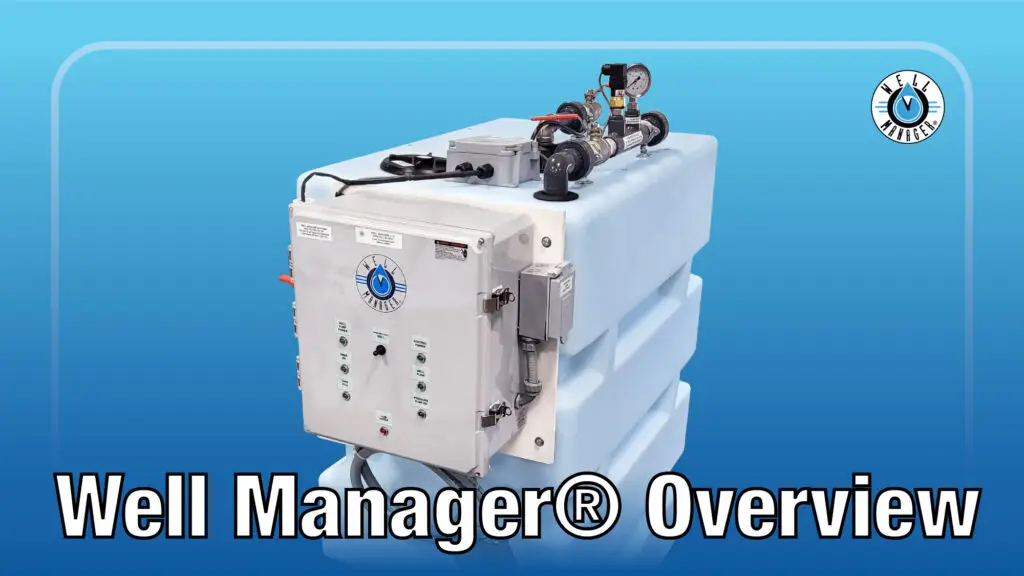
The Well Manager® control panel is the central operating system that helps manage water collection, monitor system operation, and support timed water collection for low-yield wells.
Understanding the panel can help homeowners feel more comfortable using their system and better understand what the system is doing day to day.
This video provides an overview of both the one-well and two-well Well Manager® control panels, including indicator lights, switches, timers, and general system operation.
One-Well vs Two-Well Control Panels
The Well Manager® is available with both single-well and two-well control panel configurations depending on the property and water setup.
The single-well control panel is designed to monitor and manage a one-well system.
The two-well control panel includes additional controls and indicators to help manage water collection from two separate wells.
While layouts may vary slightly, both systems are designed to help regulate water collection and monitor system operation.
Understanding Indicator Lights
The control panel includes several indicator lights that help homeowners better understand system status and operation.
Depending on your panel, indicators may include:
- Tank Full – indicates the storage tank has reached capacity
- Timer On – shows timed water collection is active
- Well Pump Power – confirms power is available to the well pump
- Control Power – shows the control panel has power
- Well Flow – indicates water collection activity
- Pressure Pump On – shows the booster pump is operating
- Low Water – alerts when water levels are too low
These indicators help provide a quick visual understanding of how the system is functioning.
Understanding the HOA Switch
One important control on the panel is the Hand-Off-Auto (HOA) switch.
The HOA switch helps control system operation depending on the situation:
- Hand – manually runs the system for certain startup or service situations
- Off – stops system operation
- Auto – normal day-to-day operating mode
Understanding when and how each setting is used can help homeowners feel more confident operating their system.
Timers & Timed Water Collection
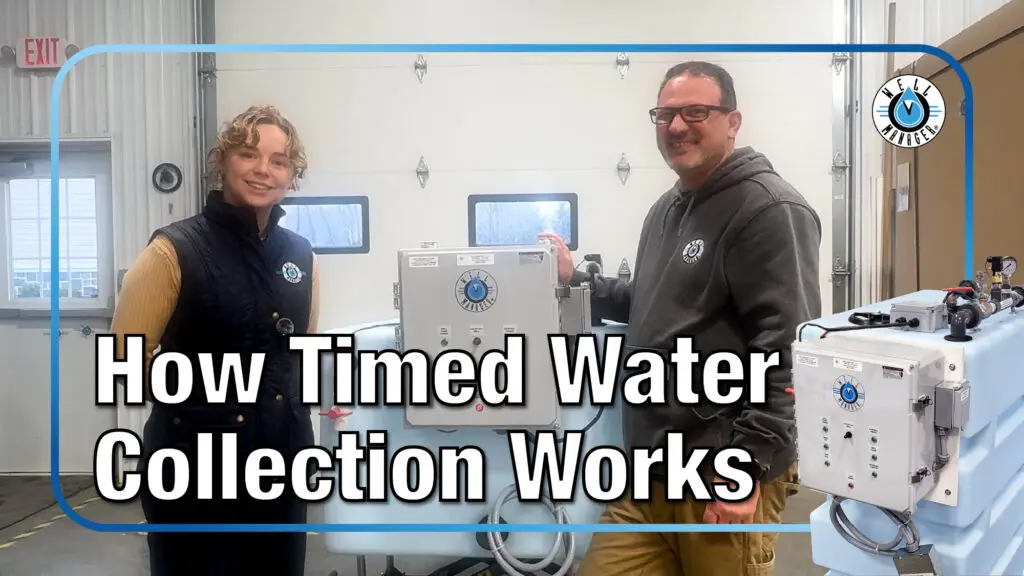
The Well Manager® System uses timers, relays, and controls to help regulate water collection for low-yield wells.
Rather than demanding water directly from the well at all times, the system collects water gradually and stores it for later household use.
Timed water collection helps:
- Support slow-recovery wells
- Reduce unnecessary pump strain
- Help wells recover between pumping cycles
- Improve long-term water reliability
The control panel plays an important role in managing this process.
Need Help Understanding Your Well Manager® Controls?
If you have questions about your control panel, system settings, or timed water collection, our team is here to help.